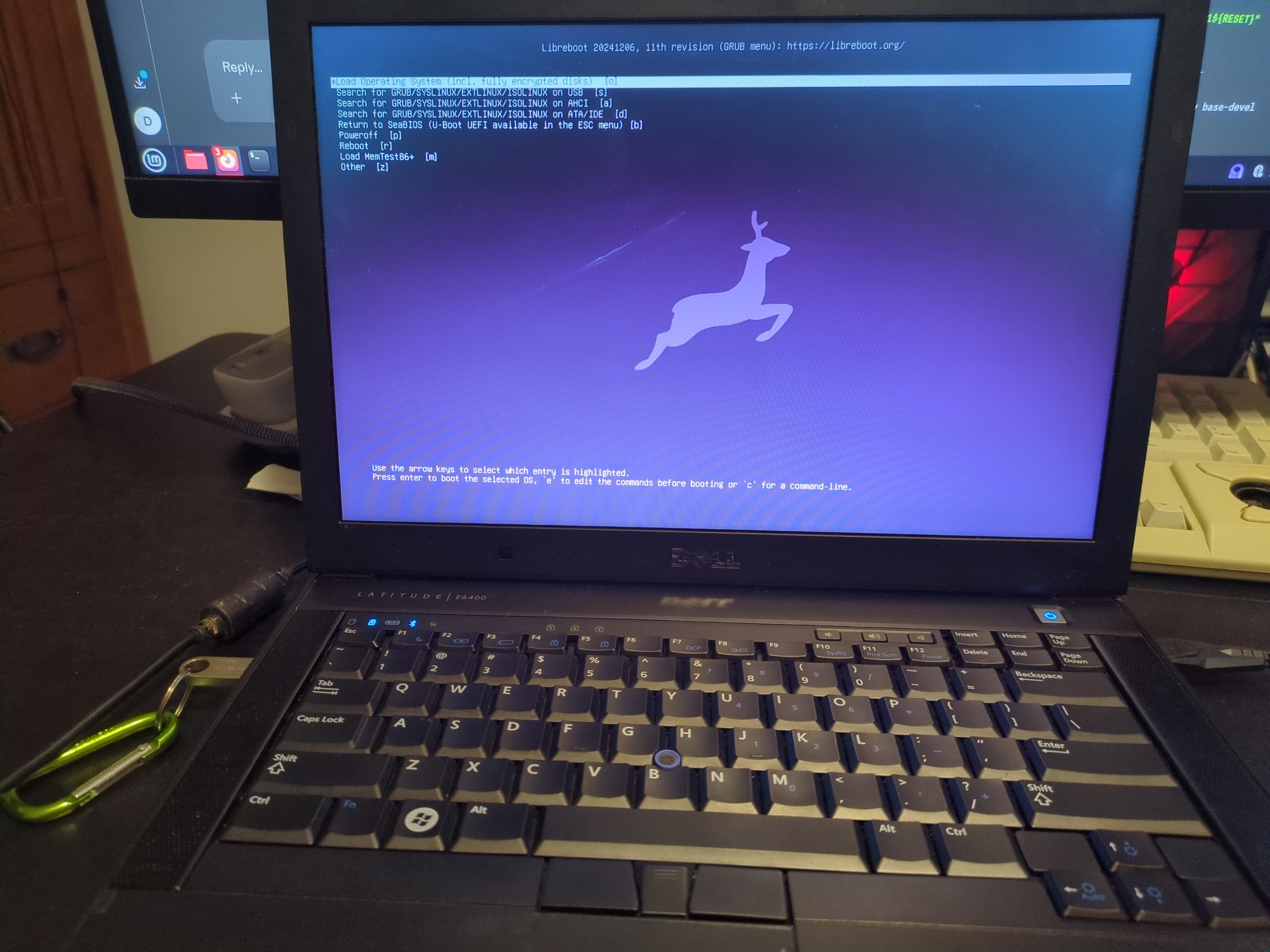
How to Libreboot a Dell Latitude E6400
I will be using Arch for this project so you will need to use whatever commands you need to for your own distro and package manager
First you need to install flashrom or flashprog. I will install both
sudo pacman -S flashrom flashprog
Next you need to download the lbmk from libreboot and the dell flash utility and rom
Navigate to https://mirror.math.princeton.edu/pub/libreboot/stable/26.01rev1/roms/ and select the rom for your specific laptop, I will be using libreboot-26.01rev1_e6400_4mb.tar.xz , make sure you know whether you have the nvidia gpu in your laptop or not because if you use the wrong rom it can brick your laptop. It is a pain to fix (don’t ask how I know)
Also you will need to download the lbmk, I will be using git
git clone https://codeberg.org/libreboot/lbmk
Extract the files you have downloaded
Now you need to disable the memory protection by modifying the grub config file
Add iomem=relaxed to GRUB
sudo nano /etc/default/grub
Find the line that says GRUB_CMDLINE_LINUX_DEFAULT=" and change it to say: GRUB_CMDLINE_LINUX_DEFAULT="quiet iomem=relaxed"
Now write the changes you made to the grub config
sudo grub-mkconfig -o /boot/grub/grub.cfg
Reboot the machine
sudo reboot now
After the machine is back on, detect which chip you have
sudo flashrom -p internal
Note the chip and copy it to your clipboard, mine was a W25X32
Navigate to the dell-flash-unlock directory location in the libreboot make utility, mine was located in cd ~/lbmk/util/dell-flash-unlock
run make
make
Then you are going to run the unlock script
sudo ./dell_flash_unlock
The terminal will say something like >reboot your computer
sudo shutdown now
Turn your computer back on
Now we will read our factory rom twice and save it. This is where you need to know your chip
flashrom -p internal
Copy the chip info
sudo flashrom -p internal -c W25X32 -r rom1.bin
sudo flashrom -p internal -c W25X32 -r rom1.bin
Now we will run a hashsum to compare the values and make sure the rom was read correctly
sha256sum rom1.bin && sha256sum rom2.bin
Compare the values and make sure they match
Next we will finally flash libreboot
Navigate to the directory where you saved the libreboot rom file
cd ~/Downloads/bin/e6400_4mb
I am going to use seagrub with coreboot
sudo flashrom -p internal -w seagrub_e6400_4mb_libgfxinit_corebootfb_usqwerty.rom
I get an error. The rom is one byte larger than the chip size
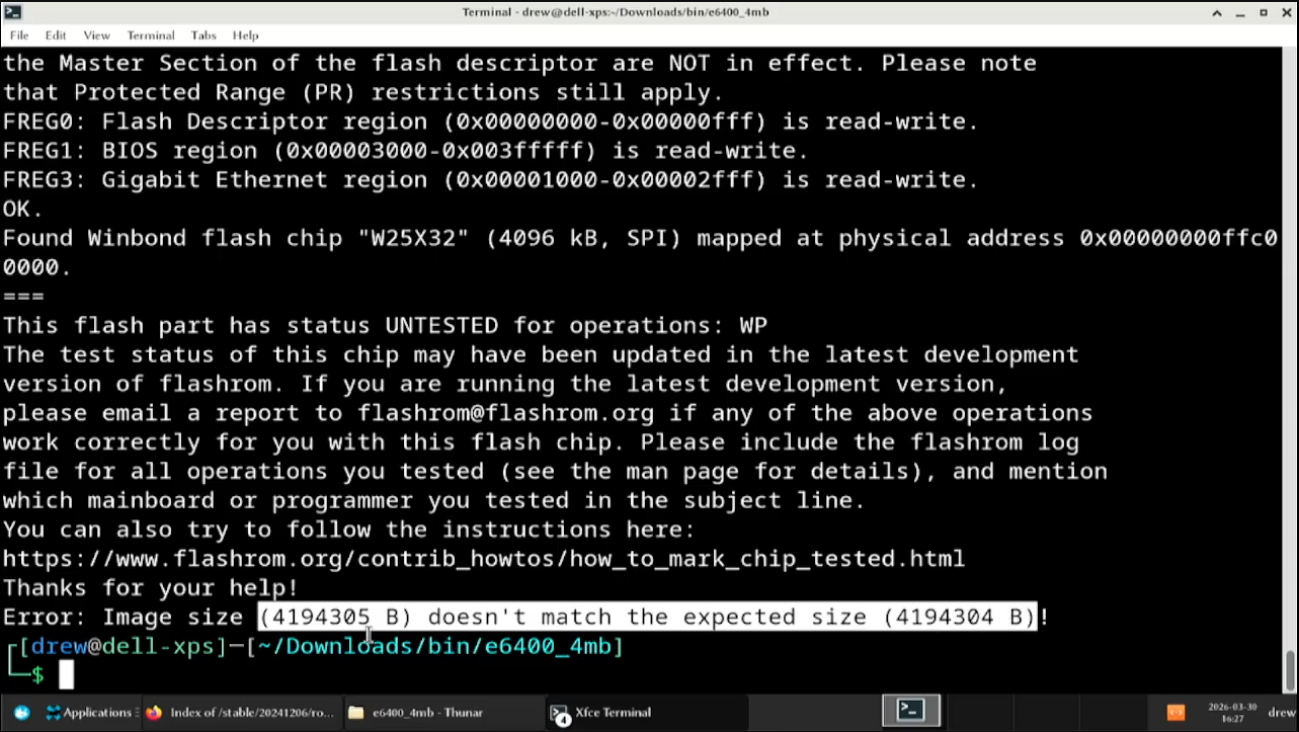
To fix this I truncated the file
sudo truncate -s 4194305 seagrub_e6400_4mb_libgfxinit_corebootfb_usqwerty.rom
Now we can try to flash it again
sudo flashrom -p internal -w seagrub_e6400_4mb_libgfxinit_corebootfb_usqwerty.rom
Once it is done shutdown the computer
sudo shutdown now
After you shutdown the computer, wait 15 seconds, and start the computer. We have libreboot. Cool